
Getting a wedding video without a videographer
Sixty-three percent of couples do not hire one. That does not have to mean no film. It means the film comes from the phones already in the room, if you plan for it.
Updated
Name five people, not everyone
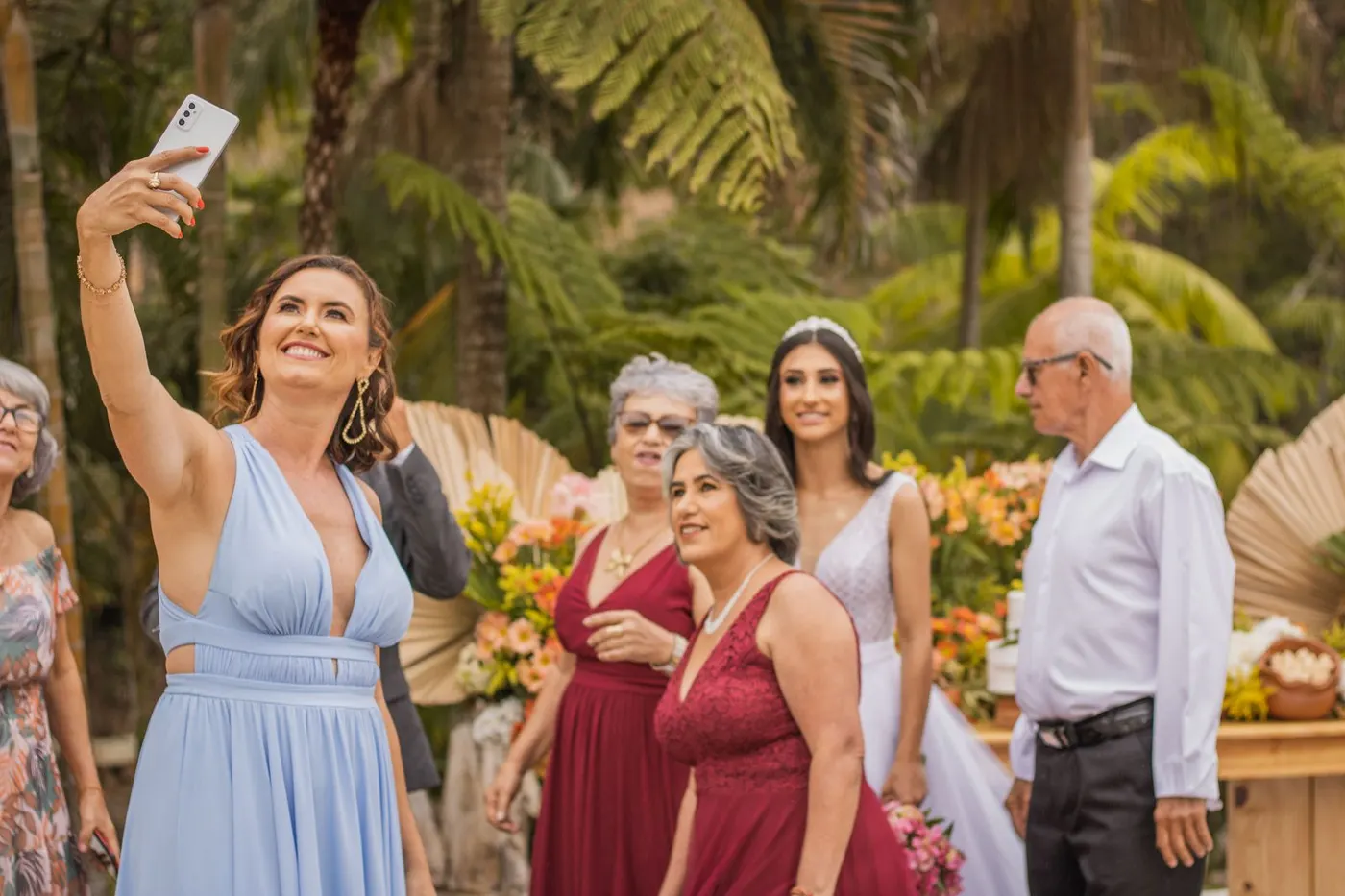
‘Everyone please film’ produces two hundred clips of the first dance and none of the vows. Give five named guests one job each: the walk in, the vows, the first kiss and walk out, the speeches, the first dance. Tell them the week before. Ask them to hold the phone for the whole moment, sideways if they can bear it, and to stop worrying about everything else.
Pick people who are near the front for the ceremony and near the top table for the speeches. Not the bridal party; they are busy.
Five jobs, five named guests
- 1The walk in
- 2The vows
- 3The first kiss and the walk out
- 4The speeches
- 5The first dance
Sort the audio first
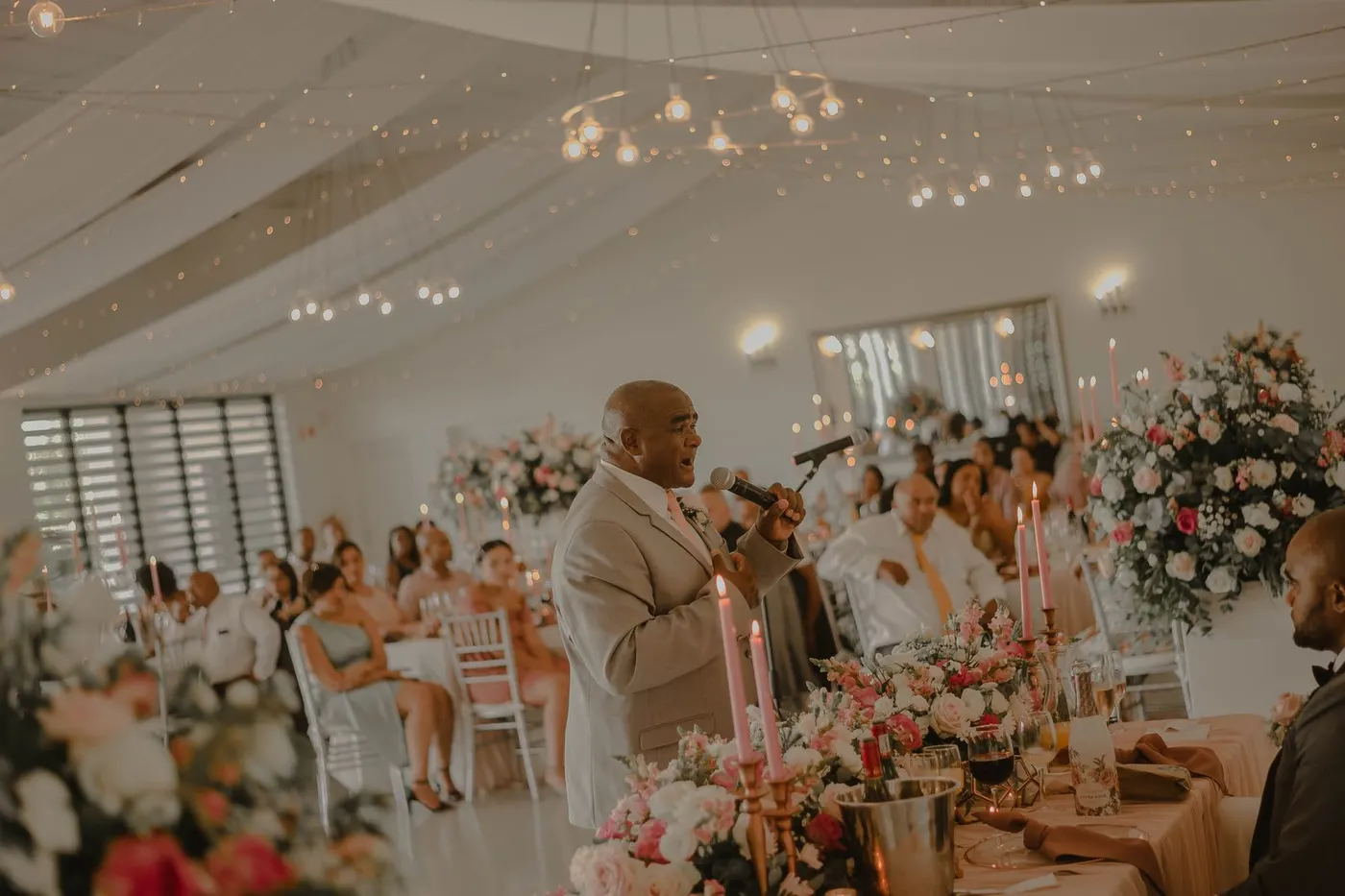
Sound is what separates a home video from a film. A phone twenty feet from the officiant records the room. Fix it with one more phone: on the table beside the microphone for speeches, in the officiant’s pocket or on the lectern for the vows, voice memo app running. You pair the audio with the pictures later, or you simply play the speech over other footage.
If the venue has a sound system, ask the DJ or the venue whether they can record the microphone feed. Many can and nobody asks.
What phones shoot well and badly
Well: daylight, people close to the lens, moments where the phone stays still. Badly: dark dance floors, anything zoomed, fast pans, and mixed lighting that shifts the colour from shot to shot. Tell your five people the two rules that matter: get close instead of zooming, and hold still for ten seconds before moving.
Expect vertical. Most guests will hold the phone upright whatever you say. Plan a vertical film for phones and a landscape cut only if you get enough sideways footage.
Collect the originals, not the copies
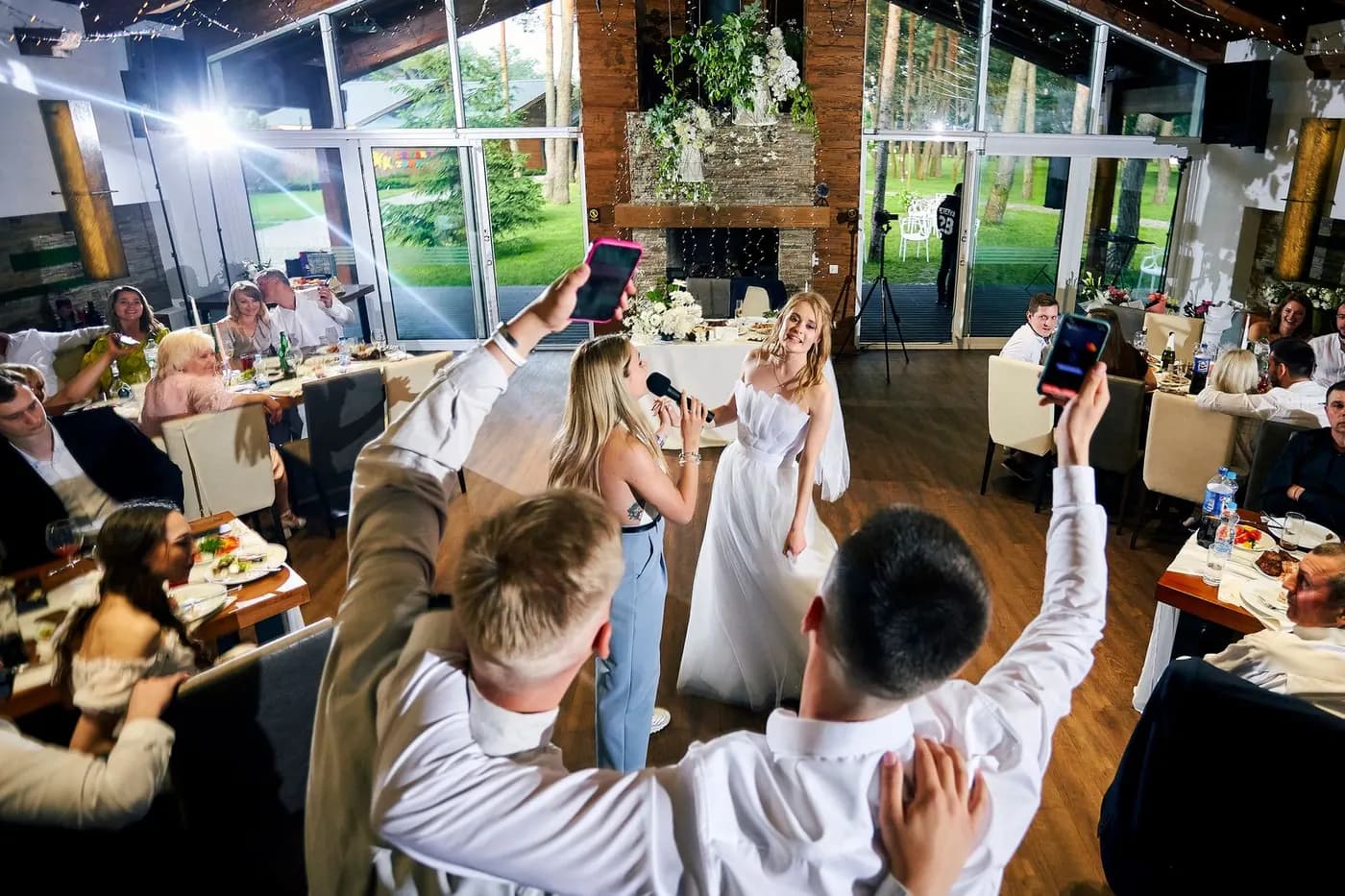
This is where most guest films die. WhatsApp, iMessage and Messenger compress video hard; the copy that arrives is a fraction of the file that left. A shared folder keeps originals but people give up at the upload screen. A QR code album on the tables keeps the originals and takes one tap. Whichever you choose, ask for videos in those words, and send the link again the morning after, when people are on home Wi-Fi.
Ask for the whole clip, not the highlight. Guests trim before sending to be helpful. The bit they cut is often the bit you wanted.
Cutting it
Sort everything by the time it was taken. Phones stamp every clip and photo with the moment it was shot, so the day falls into order on its own: getting ready, ceremony, drinks, speeches, dancing. Free tools do this: iMovie on Mac and iPhone, CapCut, or the automatic movies that Google Photos and Apple Photos build from a date.
Keep it to three minutes with one song. Use the speech audio you recorded over pictures of people listening. Cut on the beat and let the clumsy shots go; there will be plenty.
Music is the one place to be careful. A film you post publicly with a chart song will be muted or taken down. Use the licensed library inside CapCut or iMovie, or keep the film private.
The day sorts itself by capture time
Every phone stamps each clip with the moment it was taken. Keep the originals and the order comes free.
Getting ready
morning
Ceremony
early afternoon
Drinks
late afternoon
Speeches
dinner
Dancing
night
Keep two copies
Download every original as soon as collection closes and keep them on a drive at home and in a cloud account you pay for. Collection services delete on a schedule and tell you when. The film is nice; the originals are the thing your children will want.
Questions people ask
- Will it look like a professional wedding film?
- No. It will look like a well-made home movie of the best day of your life, which is a different thing and, for most couples, enough. A professional brings steady wide shots, clean audio and hours of editing; you are trading those for coverage a single camera cannot give.
- How do I get everything in the right order?
- Use the capture time. Every phone stamps each photo and video with the moment it was taken, and the file keeps it if it is sent as an original. Editing apps sort by it automatically. Chat-app copies often lose it.
- What if we are having an unplugged ceremony?
- Keep it unplugged for everyone except the two people you named for the vows and the walk in. Tell the officiant so they are not asked to put their phones away.
- How long should the film be?
- Three minutes for the one you share. Keep a longer cut of the speeches separately; nobody but you will watch it, and you will watch it more than anything else.
Sources
Checked 29 September 2026. Published features and limits can change; these are not hands-on reliability comparisons.
The Knot: 37% of couples book a wedding videographer (Real Weddings Study)Zola: wedding content creators, $500 to $999 with next-day deliveryApple: iMovieCapCutStock photographs, not customer weddings. Photos on Pexels by Ana Alice Azevedo, Jay jay Redelinghuys and Diana Titenko.
Bring your guests’ photos together.
their.photos collects guest photos and videos with one code. Download the original files to keep.