
Can phone footage make a cinematic wedding video?
Closer than you think, and not all the way. ‘Cinematic’ is mostly restraint: steady shots, held long, cut to music, with real sound. Phones can do the first three. Here is where they fall short and how to work around it.
Updated
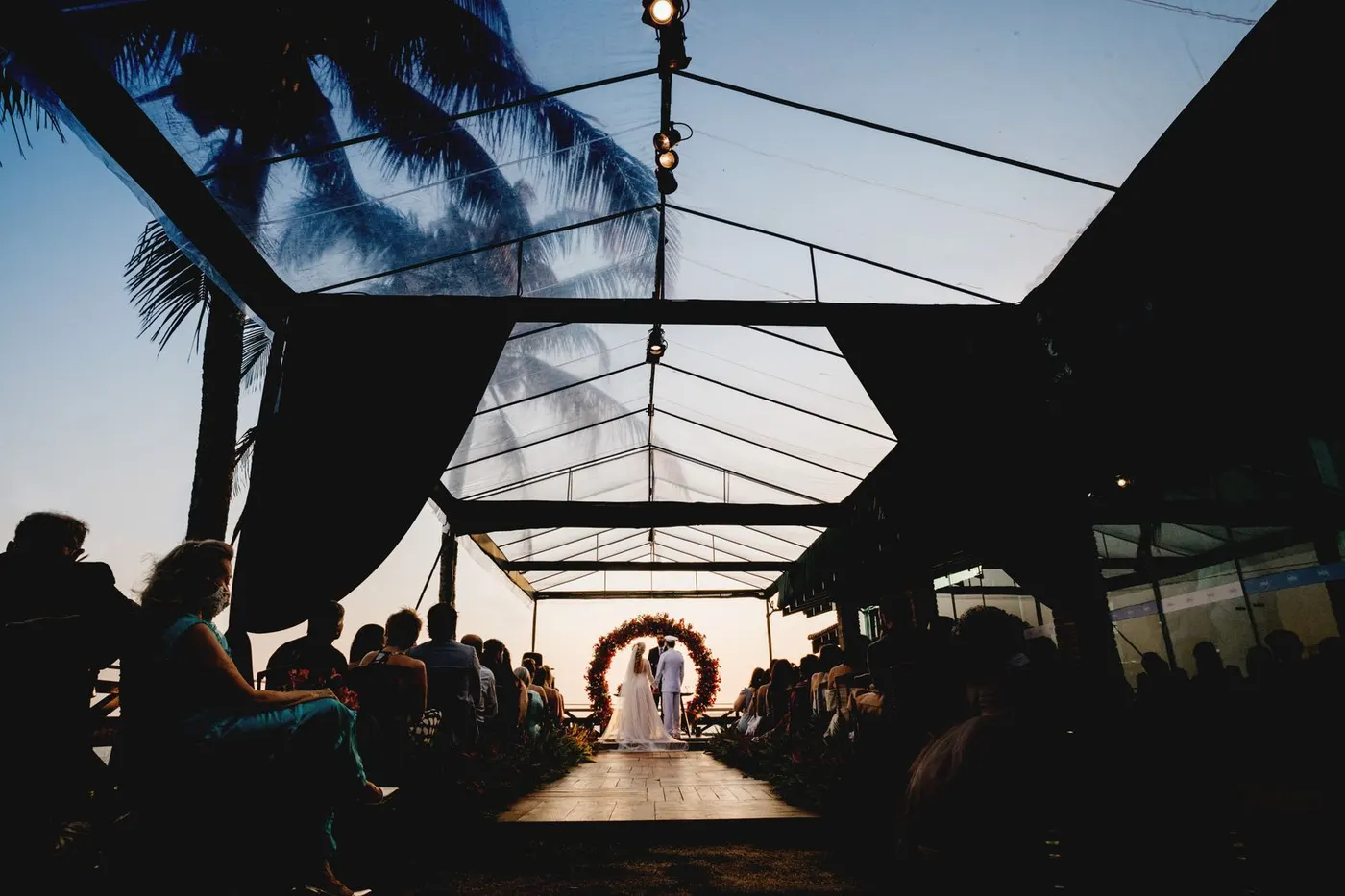
What cinematic means in practice
Watch any wedding film you love and count. The shots are held for four to eight seconds. The camera barely moves. There are very few zooms. The colour is consistent from shot to shot. The sound is the vows, the speeches and the room, not the person filming. None of that needs a $6,000 camera; it needs discipline from whoever is holding the phone.
Five habits for whoever is filming
Tape this to the back of the phone
- 1Hold every shot for ten seconds
- 2Walk closer, never zoom
- 3Don’t pan; point, hold, stop
- 4Press and hold to lock focus and exposure
- 5Film the reactions, not just the couple
Hold every shot for ten seconds before you move. You will use four of them.
Walk closer instead of zooming. Digital zoom on a phone is how footage turns to mush.
Do not pan. Point, hold, stop, point somewhere else. Cuts are made in the edit, not in the hand.
Lock the exposure and focus by pressing and holding on the subject, so the picture does not pulse when a candle moves.
Film the reactions. The couple has a photographer. The mother of the groom during the vows does not.
What phones cannot do
Dark dance floors. Phone sensors are small; at a dim reception the footage goes grainy and smeared. Accept it or light it: a string of festoon lights over the floor does more for the film than any app.
Long lenses. The intimate shot of the couple from across the room, background melting away, is a lens phones do not have. Get close or let it go.
Consistent colour across fifty phones. Every guest’s footage will have a slightly different tint. One colour filter applied to the whole film in the edit hides most of it.

The edit is where it becomes a film
Three minutes, one song, in the order the day happened. Sort by capture time; phones stamp every clip with the moment it was taken, and the day orders itself.
Open on something quiet: shoes on a chair, a hand fixing a tie. Build to the walk in. Put the vows or the best line of the speeches as audio over pictures of people listening. End on the dance floor or the exit, whichever you have more of.
Cut on the beat and be ruthless. A hundred clips will become twenty-five. Use the licensed music inside CapCut or iMovie rather than a chart song, or the film will be muted the first time you post it.
If you want one thing done properly
Pay for the ceremony hour and nothing else. A wedding content creator or a videographer for a two-hour minimum will give you steady, well-exposed vows with clean audio. Zola puts content creators at $500 to $999 with clips the next day; a full videographer averages $2,300 to $4,000 depending on whose survey you read. Then let your guests cover the rest of the day.
$500–999
Wedding content creator
Phone-shot clips, delivered next day (Zola)
$2,300
Videographer, The Knot average
All couples who hired one
$3,993
Videographer, Zola average
Mid-tier professionals, full day
Questions people ask
- Should guests film vertical or horizontal?
- They will film vertical whatever you say. Plan a vertical film, which is what everyone will watch it on anyway. If you want a landscape cut for a television, ask your five named people to film sideways and accept that the rest will not.
- Does 4K matter?
- Less than steadiness and light. A steady 1080p clip in daylight beats a shaky 4K clip in the dark every time. Most phones default to a sensible setting; leave it.
- Can software fix shaky footage?
- Stabilisation in CapCut and iMovie helps small shakes and crops the picture a little to do it. It cannot fix a pan or a walk. The fix is upstream: hold still.
- How do I keep the quality when guests send files?
- Collect originals. Chat apps compress video hard and strip the capture time. A shared folder or a QR code album keeps the files as they were shot.
Sources
Checked 29 September 2026. Published features and limits can change; these are not hands-on reliability comparisons.
Zola: wedding videographer and content creator prices (March 4, 2026)The Knot: The average cost of a wedding videographerApple: iMovieCapCutStock photographs, not customer weddings. Photos on Pexels by Jonathan Borba, Umay Isik, Kampus Production and Filip Sestrenek.
Bring your guests’ photos together.
their.photos collects guest photos and videos with one code. Download the original files to keep.